
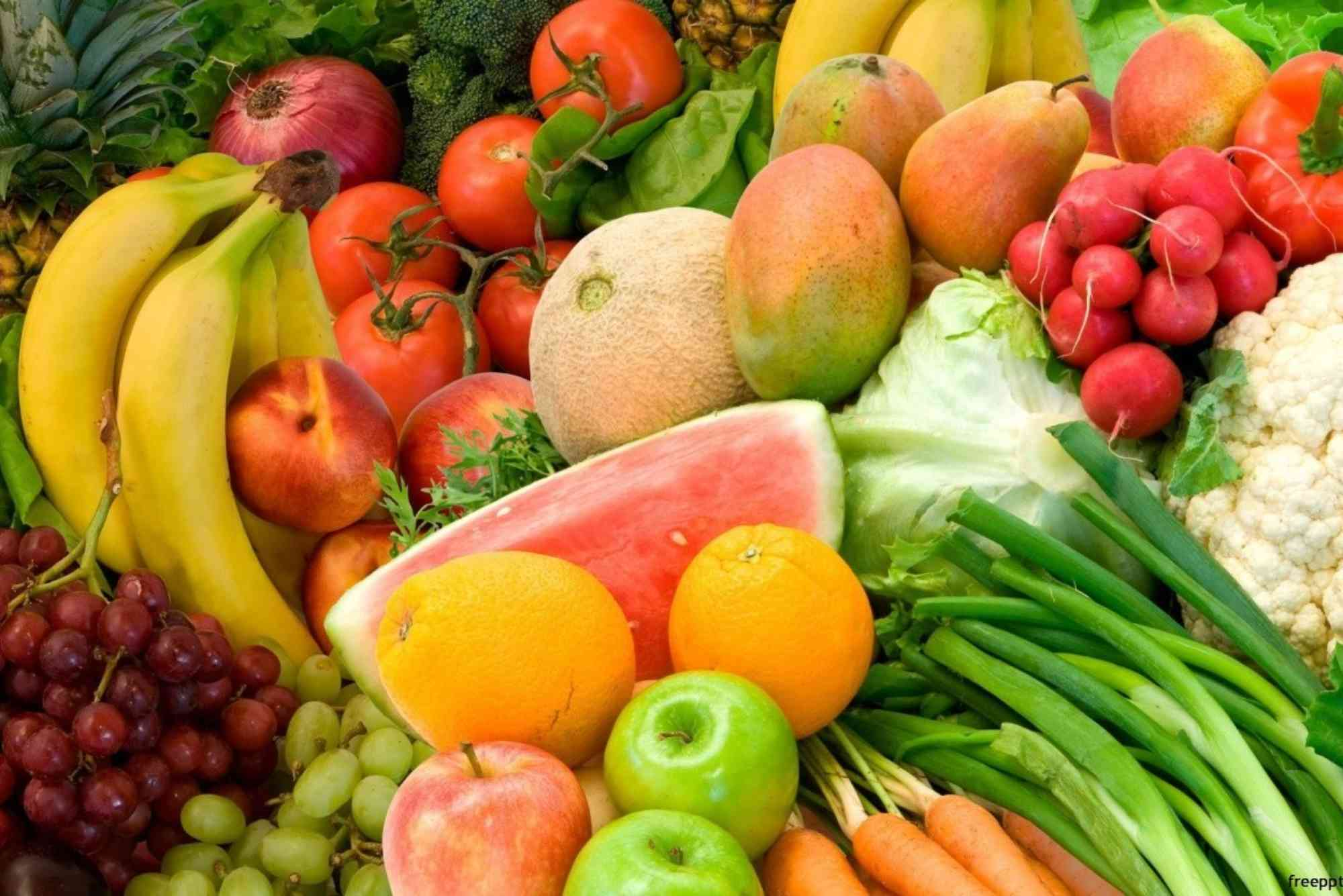
Free Fruit Presentation PowerPoint Templates for Educators
Creating engaging classroom content can be a challenge, especially when it comes to nutrition and health education. For teachers looking to bring vibrancy and clarity to their lessons, a fruit presentation PowerPoint can make all the difference. Whether you’re teaching young children about healthy eating or explaining plant biology to older students, using free, well-designed fruit-themed templates can turn a simple lesson into a captivating visual journey. Fruit-themed PowerPoint presentations are more than just bright and colorful slides. They’re visual tools that help simplify concepts, grab attention, and encourage interactive learning.
Why Use Fruit Presentation PowerPoint Templates?
Fruit is universally recognized, visually appealing, and educationally rich. A lesson supported by a fruit presentation PowerPoint taps into visual learning by presenting vibrant images and clear labels that stimulate curiosity and memory.
Enhancing Visual Learning
Children, especially in early education, are visual learners. Using fruit-themed slides makes it easier to explain concepts like colors, shapes, nutrition, and growth processes. Visual aids also help ESL learners associate words with images, building vocabulary more efficiently.
Encouraging Healthy Habits
Slides showcasing colorful fruits can promote healthy eating. When children see familiar fruits presented in a fun way, they become more interested in trying them. Educators can use fruit slides to spark conversations about snacks, school lunches, and balanced diets.
Simplifying Science Lessons
For science teachers, fruit presentations can break down complex topics. Lessons about photosynthesis, plant anatomy, food chains, and pollination can be made clearer by including labeled images of fruits, seeds, and trees. A fruit presentation PowerPoint helps explain these processes step-by-step.
Supporting Interactive Teaching
PowerPoint templates provide structure for interactive quizzes, class discussions, and activities. Teachers can use drag-and-drop slides to match fruits with names or ask students to guess the nutritional value of different fruits. These activities keep students engaged and involved.

Key Features to Look for in a Fruit Presentation PowerPoint
Finding the right template matters. When choosing or downloading a free fruit PowerPoint presentation, make sure it includes the right design and content elements to support your teaching goals.
Bright and Colorful Slides
Fruit is naturally vibrant. The best templates embrace this with rich visuals that are both fun and educational. Look for high-resolution images of common fruits like apples, bananas, oranges, and grapes.
Editable Content
A good template should let you customize text, images, and colors. Editable slides allow teachers to add school-specific logos, change languages, or include student names for personalized learning.
Sectioned Structure
Templates should be divided into logical sections. For example: Introduction, Types of Fruits, Nutritional Value, How Fruits Grow, Fun Facts, and a Quiz. Clear sections make the lesson flow smoother and easier to follow.
Interactive Elements
Many PowerPoint templates now include clickable buttons, animations, and activity slides. These tools turn a passive lecture into an active learning experience.
Free to Use Without Copyright Restrictions
Ensure the template comes from a source that allows free educational use. Public domain or Creative Commons licensed templates are ideal for classroom settings.
Where to Find Free Fruit PowerPoint Templates
There are several online platforms offering free fruit presentation PowerPoint templates for educators. These platforms cater to various educational needs, from preschool to high school.
PowerPoint School
This platform provides free, editable, and animated PowerPoint templates. Their fruit themes are often interactive and ideal for elementary-level science or health education classes.
Slidesgo
Slidesgo offers professional-quality templates designed for educators. Their fruit-themed presentations are colorful and well-structured, with editable layouts and suggested content.
Canva
While Canva is primarily a graphic design tool, it also offers presentation templates that can be exported to PowerPoint format. Their drag-and-drop interface is beginner-friendly, and their fruit illustrations are top-notch.
Slide Carnival
Known for creative and engaging designs, Slide Carnival includes free fruit-themed PowerPoint and Google Slides templates. Their playful visuals appeal to younger students and add energy to nutrition lessons.
TemplateWise
This site has a range of basic PowerPoint templates, including those with fruit and food themes. These are useful for creating simple, fast classroom presentations without needing design expertise.
Creative Ways to Use a Fruit Presentation PowerPoint
Once you’ve selected a fruit PowerPoint template, it’s time to integrate it into your classroom strategy. Here’s how educators can make the most of these presentations.
Teach Nutrition and Healthy Eating
Use fruit slides to introduce food groups and emphasize the importance of fruits in a balanced diet. You can discuss vitamins found in each fruit, ideal portion sizes, and how fruits compare to processed snacks.
Vocabulary Building
Create slides that pair images with words. This is particularly helpful in early childhood education and ESL classes. Students can repeat after you, write the names down, or play word-matching games.
Host a Fruit Quiz
End your presentation with a fun quiz. Use slides that ask “Which fruit has the most Vitamin C?” or “Guess the fruit by its color.” Include visuals to aid recognition and make the activity more enjoyable.
Incorporate Real-World Tasks
Assign homework like “Bring your favorite fruit and share three facts about it” or “Draw a fruit you’ve never tasted and explain why you want to try it.” Your PowerPoint can guide these tasks with examples and inspiration.
Blend With Other Subjects
Fruits can be used in math (counting seeds), geography (where fruits grow), and art (drawing fruit baskets). A single fruit presentation PowerPoint can spark cross-curricular learning.
Best Practices for Creating or Customizing Your Template
If you’re building your own fruit presentation or customizing a free one, keep these tips in mind for the best results.
Keep Slides Simple
Avoid clutter. Each slide should focus on one concept or fruit. Use bullet points instead of long paragraphs and allow visuals to do most of the explaining.
Use Consistent Fonts and Colors
Maintain the same font style and size throughout the presentation. Stick to 2–3 main colors that complement the fruit theme. This creates a cohesive look and keeps the audience focused.
Add Student-Friendly Language
Especially for young learners, keep the language age-appropriate. Use phrases like “Fruit keeps us strong” or “Apples help our heart.” Clear messaging is more memorable.
Include Audio or Video
If possible, add sounds or short videos to make the lesson more immersive. For example, include the crunch of an apple or a video showing how bananas grow.
Test Your Presentation
Before using the PowerPoint in class, run through it to check animations, transitions, and media files. Make sure everything works on the classroom computer or projector.
Benefits of Using Free Templates for Educators
For teachers, time and budget are often limited. Free fruit PowerPoint templates are a valuable resource that can enhance teaching without adding cost.
- Saves Time: No need to build from scratch. Just download, tweak, and present.
- Improves Student Engagement: Bright colors and fun content keep kids focused.
- Supports Curriculum Goals: Templates can be aligned with nutrition, science, or vocabulary standards.
- Flexible Use: These templates can be used for in-class lessons, online teaching, or printed as visual aids.
- Encourages Creativity: Teachers can add their own touches, creating something unique and memorable.
Make Learning Tasty with Fruit-Themed Slides
Incorporating a fruit presentation PowerPoint into your classroom is a smart and engaging way to teach students about health, science, and vocabulary. With the help of free, editable templates, educators can turn ordinary lessons into exciting, interactive experiences. Whether you’re explaining the food pyramid or just introducing colors and fruits to kindergartners, these tools make your job easier and your lessons more effective. Ready to transform your next lesson? Download a free fruit PowerPoint template today and bring education to life—one juicy slide at a time.
FAQ
What is a fruit presentation PowerPoint used for in school?
It’s used to teach students about fruits, nutrition, colors, and plant biology through engaging visuals and structured slides.
Where can I find free fruit PowerPoint templates for kids?
Websites like Slidesgo, PowerPoint School, and Canva offer free templates ideal for younger audiences.
Can I customize free fruit presentation templates?
Yes, most templates are editable, allowing teachers to modify text, images, colors, and even add school logos.
Are fruit-themed PowerPoint templates good for health education?
Absolutely. They visually reinforce lessons about healthy eating and the nutritional benefits of fruits.
Can I use these PowerPoint templates for online teaching?
Yes, these templates are compatible with Zoom, Google Meet, and other remote learning platforms.


