
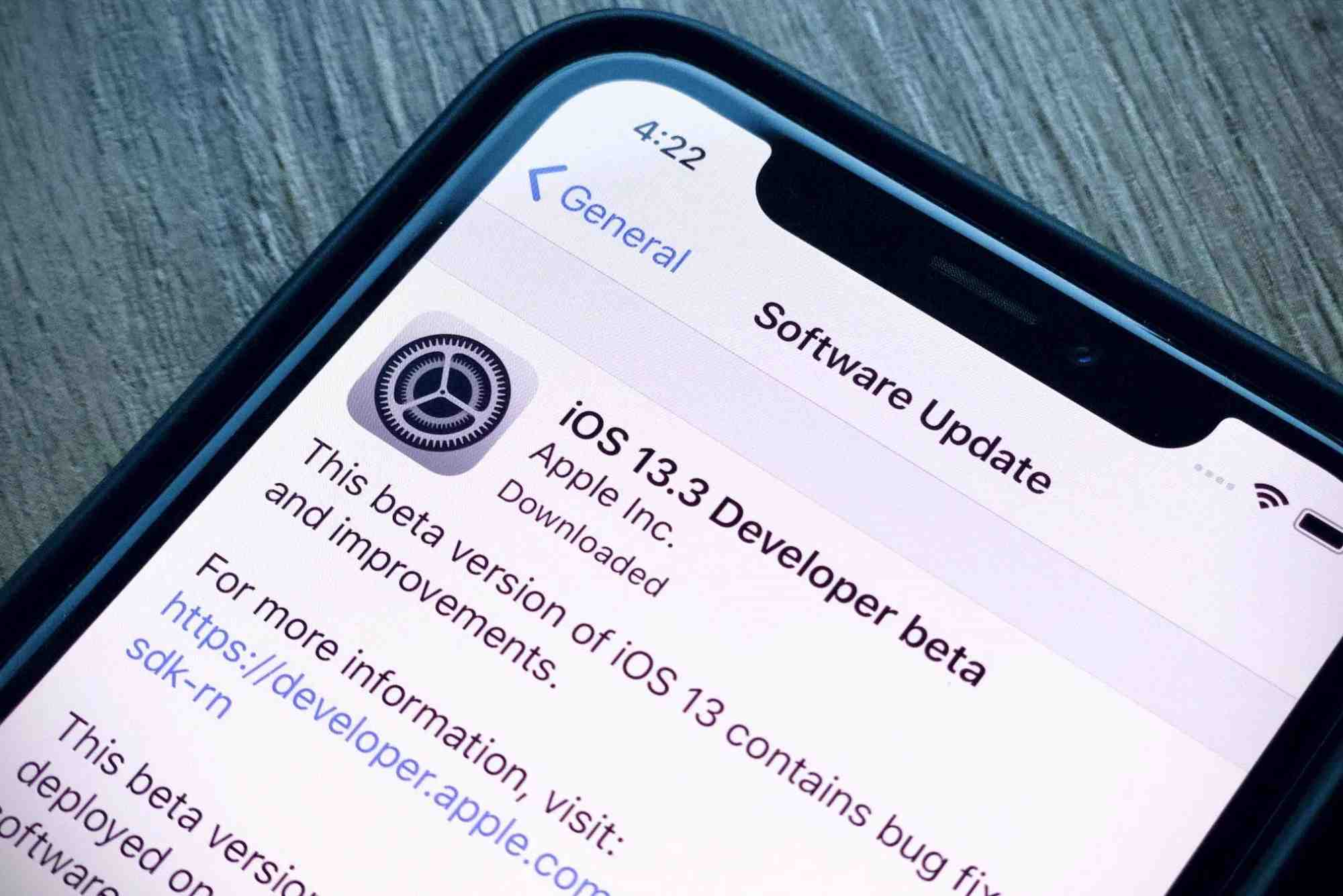
Apple iPhone Software Update 13: What Changed?
Apple’s iPhone software updates often reshape how millions of users interact with their devices. Apple iPhone software update 13 was no exception. With a fresh design approach, improved performance, and a long list of new features, this version became one of the most significant updates in Apple’s iOS history.
In this article, we’ll take a deep dive into what changed in iOS 13, explore its impact on iPhone users, and review the features that made it a game-changer. Whether you’re a long-time Apple fan or just curious about how this version shifted the mobile OS landscape, you’ll find all the answers here.
A Refined User Interface
Apple iPhone software update 13 introduced a noticeable refinement in its visual design. While not a complete overhaul, subtle tweaks throughout the interface improved usability and aesthetics.
System-Wide Dark Mode
The most celebrated addition in iOS 13 was system-wide Dark Mode. Apple made it easy to toggle manually or schedule it to activate at sunset. Beyond just appearance, it also helped improve battery life on OLED iPhones like the iPhone X and later.
Enhanced Animations
Apple made transitions feel more fluid. App launch speeds were improved by reducing animation times, leading to a faster, more responsive experience.
Privacy and Security Enhancements
Privacy has always been central to Apple’s ecosystem. With the iPhone software update 13, Apple doubled down on privacy protections for its users.

“Sign in with Apple”
This new login feature allowed users to sign into apps without revealing personal information. Unlike Google or Facebook logins, Apple’s version gave users the choice to hide their email address. It even generated a random address that forwards to your real inbox.
Location Permissions Control
Apps now had to ask permission every time they wanted your location. You could allow “once only” access rather than always or never. This granular control helped stop background tracking and offered transparency like never before.
Performance Improvements
With every update, Apple aims to improve speed and stability. iOS 13 brought measurable gains that older and newer iPhones both enjoyed.
Faster Face ID Unlock
Face ID became 30% faster on compatible devices. It worked at wider angles and unlocked more quickly in different lighting conditions.
Smaller App Downloads
Apps and updates were significantly reduced in size. Apple achieved this by optimizing packaging formats, leading to up to 60% smaller app downloads and faster updates.
Photos and Camera App Upgrades
iPhone users take millions of photos daily. The Apple iPhone software update 13 brought smarter ways to organize and edit them.
Smarter Photo Organization
The Photos app got a redesign that grouped photos by days, months, and years. Live Photos and videos auto-played as users scrolled, making the library feel alive.
New Editing Tools
iOS 13 made photo editing more powerful and intuitive. It introduced tools like vibrance, noise reduction, sharpness, and white balance. Best of all, video editing tools matched photo editing power—you could finally rotate videos natively.
Siri Became Smarter
Siri received both performance and intelligence upgrades in the Apple iPhone software update 13. Her voice sounded more natural, and she could now suggest shortcuts based on how you used your phone.
Natural Language Voice
Using neural text-to-speech, Siri’s voice felt less robotic. It responded with smoother, human-like inflections.
Improved Shortcuts App
The Shortcuts app became a default pre-installed app. With more automation triggers and integration with third-party apps, users could build custom routines easily.
Revamped Apple Maps
Apple completely rebuilt its Maps platform in iOS 13, particularly in the U.S. New details, better accuracy, and new features made Apple Maps a worthy competitor to Google Maps.
Look Around Feature
This Google Street View competitor allowed users to see ground-level imagery in major cities. It was smooth, interactive, and seamlessly integrated.
Collections and Favorites
You could now save favorite places, create shareable Collections, and plan trips with much greater ease.
Redesigned Reminders App
The Reminders app received one of the biggest makeovers. It looked modern, had smart suggestions, and could integrate with Messages to tag contacts and send reminders when chatting with them.
Improved Messages and Memoji
Texting on iPhone got more personal and fun thanks to updates in iMessages and Memoji features.
Memoji Stickers
Memoji was no longer just for devices with Face ID. Apple created Memoji stickers—cartoon-like stickers based on your character—that could be used in Messages, WhatsApp, and even emails.
Profile Sharing
You could now set a photo, name, and Memoji for your iMessage profile, visible only to people you texted (if you allowed it).
Safari and Mail Got Smarter
Apple made web and email usage more efficient in iOS 13.
Safari Downloads Manager
A proper download manager finally came to Safari. Users could download files directly to their iCloud Drive and manage them in a unified view.
Smarter Mail App
Mail allowed better formatting, desktop-level text editing, and easier email threading, making it a more serious productivity tool.
Additional Features in Apple iPhone Software Update 13
There were many other small but meaningful changes.
- QuickPath Keyboard: You could swipe to type like on Android keyboards.
- Find My App: A new unified app replaced Find My iPhone and Find My Friends.
- Silence Unknown Callers: Unknown numbers could now be silenced automatically.
- Optimized Battery Charging: This feature extended battery life by reducing full-charge time when unnecessary.
Devices Compatible with iOS 13
Not all devices could run iOS 13. The update dropped support for some older iPhones, but was available for:
- iPhone SE (1st gen) and newer
- iPhone 6s and 6s Plus
- iPhone 7, 8, X, XR, XS, 11, and newer
Older models like the iPhone 6 and 5s were not eligible for this update.
Real-World Impact on Users
Apple iPhone software update 13 wasn’t just about features—it changed the way people interacted with their devices.
Users reported better performance, more battery efficiency, and greater confidence in their privacy settings. Developers welcomed tools like SwiftUI (under the hood of iOS 13), allowing for faster app development.
While the initial rollout of iOS 13 had bugs, Apple quickly followed with 13.1, 13.2, and so on—demonstrating their commitment to stability and user satisfaction.
FAQs
What are the key features of iOS 13?
Some key features include Dark Mode, Sign in with Apple, faster Face ID, smarter photo editing, and the new Reminders app.
Is iOS 13 still supported?
Apple no longer provides updates for iOS 13. Users are encouraged to upgrade to the latest supported iOS for security and features.
Why can’t I update to iOS 13?
Your device might not be compatible. iPhones older than the 6s cannot install iOS 13.
Does iOS 13 drain battery faster?
Initially, some users reported faster battery drain, but later updates optimized performance and battery life.
How to enable Dark Mode in iOS 13?
Go to Settings > Display & Brightness, then choose “Dark” under Appearance.


