
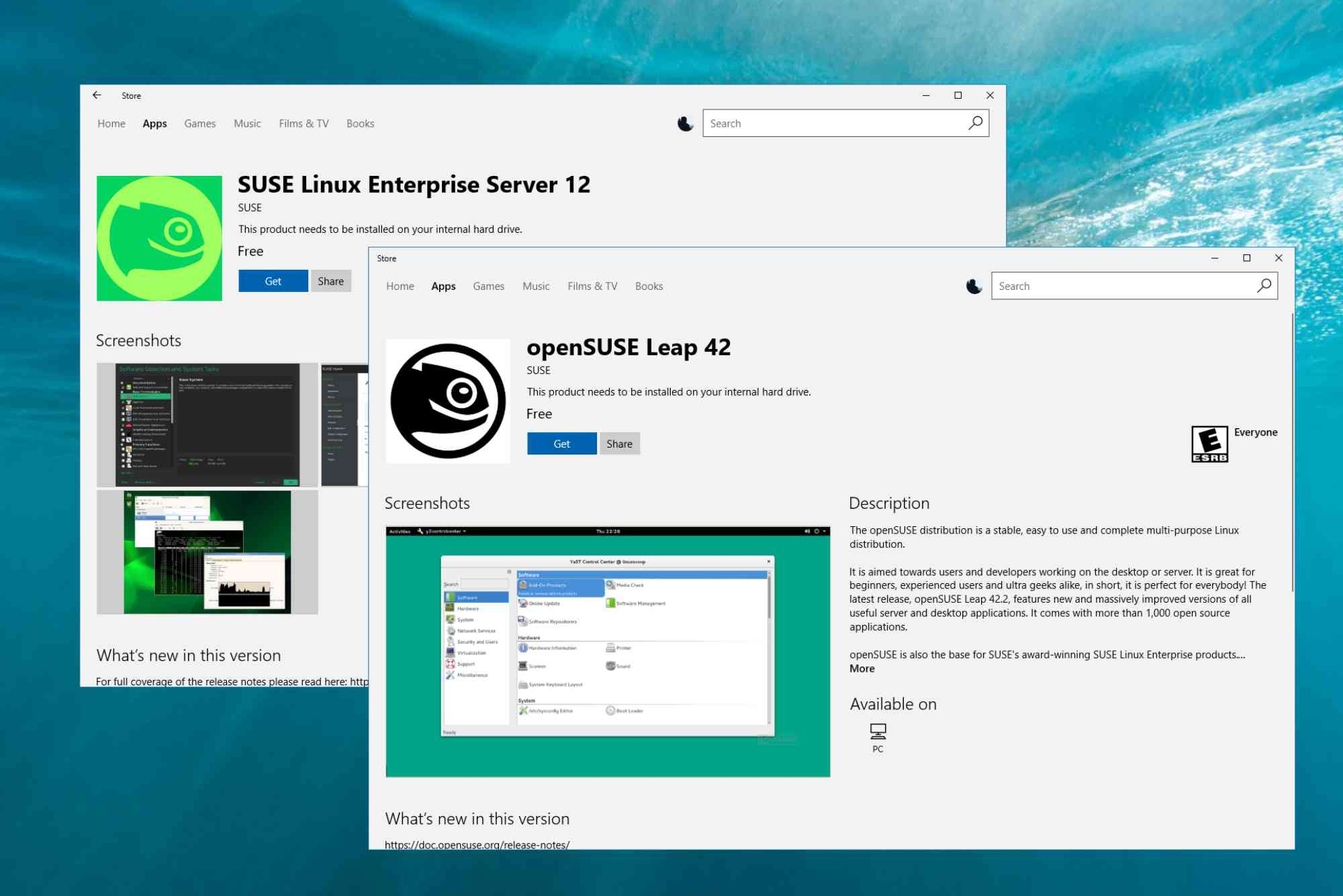
SUSE has long been a trusted name in enterprise-grade Linux solutions. Whether you’re deploying SUSE Linux Enterprise Server (SLES) or using openSUSE for development, SUSE registration is a critical step for unlocking updates, support, and system management tools.
This guide simplifies the SUSE registration process for enterprises and developers alike. From accessing the SUSE Customer Center (SCC) to automating large-scale registrations, we’ll cover every essential detail you need to streamline your workflow.
Why SUSE Registration Matters
Registering your SUSE systems isn’t just a formality—it enables access to key services, including software updates, official support, and repository access. For enterprises running mission-critical systems, this step ensures security and operational continuity.
Enterprise Benefits
By registering with SUSE, enterprises can:
- Receive timely security patches.
- Access certified support from SUSE engineers.
- Monitor and manage registered systems through SCC.
- Ensure license compliance across distributed environments.
Developer Perks
Even if you’re working on a test machine or container, registration provides:
- Full access to package repositories.
- Smooth updates via zypper.
- Easier integration with tools like SUSEConnect and RMT.
Getting Started with SUSE Registration
Understanding SUSEConnect and SCC
SUSEConnect is the CLI utility that allows you to register your system with SUSE’s central platform—the SUSE Customer Center (SCC). SCC is your cloud-based portal to manage entitlements, view subscriptions, and download media.

What is SUSE Customer Center (SCC)?
SCC is a web portal (https://scc.suse.com) where you:
- Manage all your subscriptions and licenses.
- View usage reports across your infrastructure.
- Generate registration codes and attach systems.
What is SUSEConnect?
SUSEConnect is a command-line tool pre-installed in SUSE Linux distributions. It handles:
- System registration and deregistration.
- Module and extension activation.
- Access to repositories based on your entitlements.
How to Register Your SUSE System
Here’s a straightforward step-by-step guide to register a SUSE system. This works for SUSE Linux Enterprise Server and SUSE Manager clients.
Step-by-Step SUSE Registration
Locate Your Registration Code
You’ll find this in your SUSE Customer Center account under “My Subscriptions.” It’s a 16-character alphanumeric code provided when you purchase a SUSE product.
Use SUSEConnect to Register
Open a terminal and enter:
bashCopyEditSUSEConnect -r YOUR-REGISTRATION-CODE -e your.email@example.com
Replace the placeholders with your real information. SUSEConnect will:
- Authenticate your code.
- Sync your system with SCC.
- Automatically enable base repositories.
Confirm the Registration
Run:
bashCopyEditzypper repos
You should see enabled repositories like SLE-Product-SLES15-Pool.
Automating SUSE Registration at Scale
Enterprises rarely register systems one by one. That’s where tools like RMT (Repository Mirroring Tool) and SUSE Manager come in.
Automating with RMT
RMT allows you to mirror SUSE’s repositories and manage registration internally. Ideal for air-gapped or high-security environments.
With RMT, you:
- Pull official repositories once.
- Distribute packages locally.
- Register systems without external internet access.
Using SUSE Manager
SUSE Manager is a comprehensive solution for lifecycle management, including:
- Automated registration of hundreds of nodes.
- System auditing and patch management.
- Integration with Ansible, Salt, and Terraform.
Troubleshooting SUSE Registration
Sometimes, registration doesn’t go as planned. Here are some common issues and how to resolve them.
Error: “No valid subscription found”
This usually means:
- Your code is expired or incorrect.
- The system was already registered.
- You’re using the wrong SUSE product version.
Fix: Double-check the registration code and ensure it matches your installed version.
Error: “Unable to reach SCC”
Your system may lack internet access, or a firewall is blocking SCC.
Fix: Check DNS, proxy, and outbound port access to scc.suse.com.
Best Practices for SUSE Registration
For Enterprises
- Use RMT or SUSE Manager for centralized registration.
- Maintain documentation for each system’s registration status.
- Monitor expiration dates in SCC to avoid support gaps.
For Developers
- Always register even test systems to access full repositories.
- Use openSUSE Leap or Tumbleweed when you don’t need enterprise support.
- Automate with scripts if you’re spinning up multiple VMs.
SUSE Registration for Cloud Instances
Running SUSE in the cloud (AWS, Azure, GCP)? Most cloud images are pre-registered via bring-your-own-subscription or pay-as-you-go models.
Still, you may need to attach custom entitlements or re-register under your corporate subscription.
Use cloud-regionsrv-client
This utility helps cloud VMs connect to SUSE’s region servers for automated registration. It can be customized via /etc/cloudregister.
SUSE Registration Without Internet
In disconnected or offline environments, registration requires extra steps.
Use RMT or SMT
SUSE’s older Subscription Management Tool (SMT) or the newer RMT lets you:
- Mirror SCC repositories.
- Generate registration tokens.
- Avoid sending data outside your firewall.
You’ll configure /etc/SUSEConnect to point to your local RMT server instead of SCC.
FAQ: SUSE Registration Questions Answered
What is SUSE registration used for?
It enables access to software updates, security patches, and official support by linking your system to SUSE Customer Center.
Can I use SUSE without registering?
Technically yes, but you won’t receive updates, patches, or access to additional modules and extensions.
How do I find my SUSE registration code?
Log in to https://scc.suse.com and go to the “Subscriptions” tab. Codes are provided after purchase or trial signup.
How do I unregister a SUSE system?
Use:
bashCopyEditSUSEConnect --de-register
Then clean up with:
bashCopyEditSUSEConnect --cleanup
How often do I need to register?
Just once per system. However, registration must be renewed if your subscription expires or the system is reinstalled.
Simplify Your SUSE Experience Today
Whether you’re managing a single developer laptop or a fleet of enterprise servers, SUSE registration is your entry point to powerful tools and professional-grade support.
Taking just a few minutes to register ensures you benefit from everything SUSE offers—security updates, critical patches, and easy system management. Don’t leave your environment unregistered or unsupported.


