
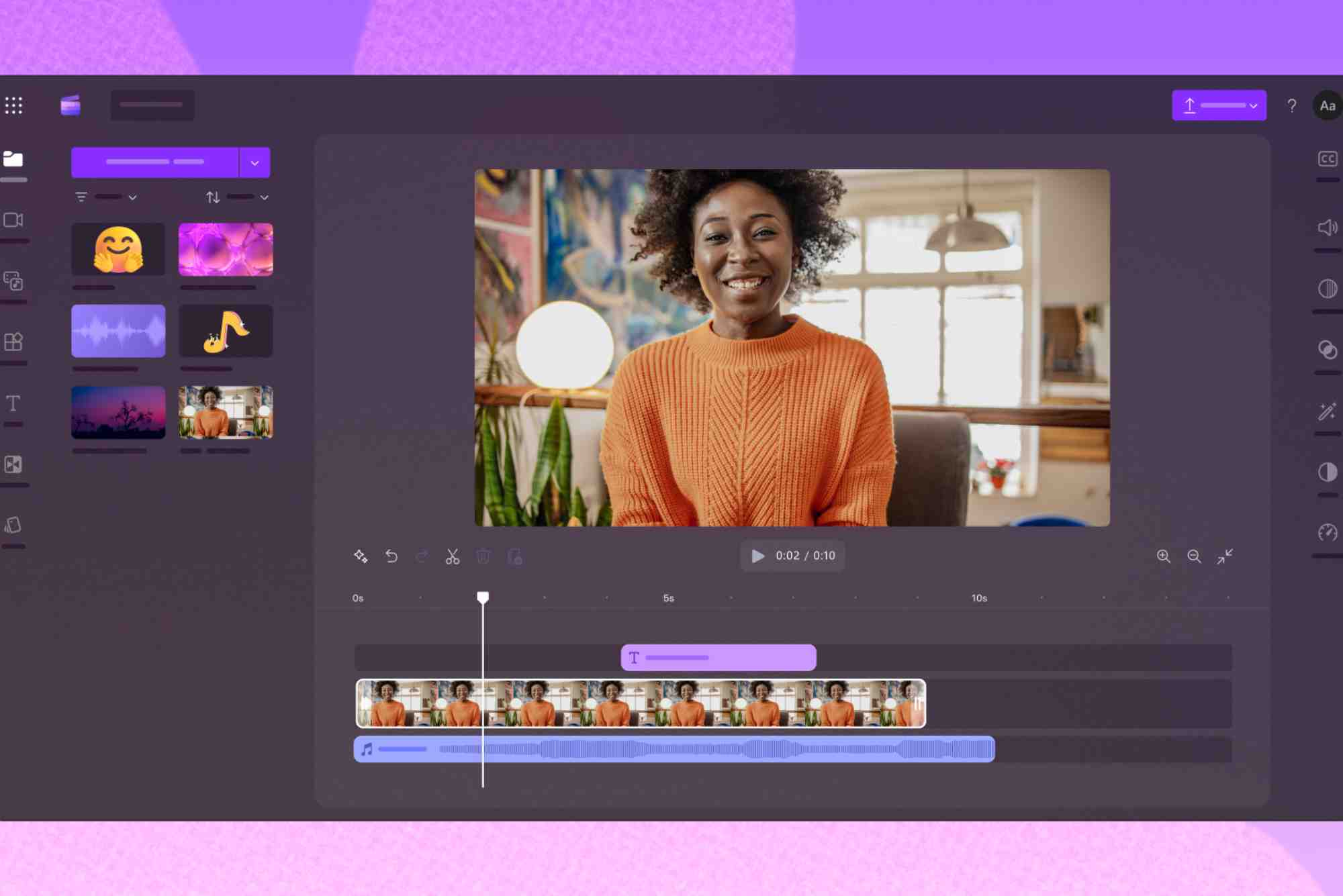
Free Animation Video Maker Software: Download Full Version
Animation has become a powerful tool for storytelling, marketing, education, and entertainment. Whether you’re a student, content creator, or entrepreneur, creating animated videos can boost your brand or deliver your message in a visually engaging way. But here’s the good news—you don’t need expensive tools. With animation video maker software free download full version, anyone can start animating today.
In this guide, we’ll explore the best free animation tools, what features to look for, and how to choose the right one for your needs.
Why Choose Free Animation Video Maker Software?
Budget-Friendly with No Compromise
Many beginners and even professionals start with free tools. They offer powerful features without the upfront cost. You can test your creativity and explore animation without spending a dime.
Perfect for Learning and Experimenting
Animation software with a free full version allows you to practice, make mistakes, and learn at your pace. It’s perfect for students and hobbyists who want to dive into animation before committing to a paid solution.
Create Without Watermarks
A major issue with many free tools is the watermark. However, some of the best animation video maker software free download full version options offer clean exports with no branding.
Key Features to Look for in a Free Animation Tool
Easy-to-Use Interface
If you’re just starting, the software should be intuitive. Drag-and-drop tools, pre-made templates, and timeline control help streamline the process.

Full Feature Access
Many free trials limit access. But some full-version tools offer character rigging, audio syncing, transitions, effects, and more—completely unlocked.
Offline Accessibility
Having offline access allows you to work anytime without needing a constant internet connection.
Format Flexibility
You should be able to export in multiple formats—MP4, MOV, or even GIF. This ensures you can use your animation across social media, websites, and presentations.
Best Animation Video Maker Software Free Download Full Version
Let’s look at some trusted options that deliver professional-grade results without asking for your credit card.
Blender
Blender is more than just an animation tool—it’s a full 3D creation suite. While its learning curve can be steep, it’s unmatched in capabilities for a free platform.
You can animate characters, objects, and even simulate physics like smoke or cloth. It supports 2D animation through Grease Pencil, perfect for stylized storytelling.
Pencil2D
If you’re looking for simplicity, Pencil2D is an excellent choice. It’s a lightweight, open-source program ideal for hand-drawn animations. Whether you’re on Windows, macOS, or Linux, you can animate frame by frame without distractions.
OpenToonz
OpenToonz is another open-source software used even by studios like Studio Ghibli. It supports both traditional frame-by-frame and digital animation. Its plugins and effects give it an edge for experimental animation.
Synfig Studio
For those wanting to automate more of the animation process, Synfig offers vector tweening and bone rigging. You create key poses, and the software fills in the frames.
Krita
Originally a digital painting tool, Krita also supports 2D animation. Its timeline and onion-skinning features are great for artists who want to animate scenes by drawing directly onto frames.
How to Download and Start Using Free Animation Software
- Visit the official website of the tool you’ve chosen.
- Check system requirements to ensure compatibility.
- Choose the full version download—avoid trial versions.
- Follow the installation steps provided on the site.
- Explore tutorials to get started quickly.
Always download from official sources to avoid malware or pirated versions, which can harm your system.
Advantages of Full Version Downloads
Unlike online-only tools, full version downloads offer complete control over your work. No internet? No problem. You can work offline, save projects locally, and even use advanced features like scripting or plugins depending on the software.
Plus, you avoid common pitfalls like watermark limitations, file size caps, or restricted export options. That’s why searching for animation video maker software free download full version makes such a difference.
Tips for Creating Your First Animated Video
Plan Your Story
Before diving into the software, outline your concept. Create a storyboard or rough script to guide your animation.
Use Audio Wisely
Add music, narration, or sound effects to enhance the mood. Sync your visuals with the audio timeline for a polished feel.
Keep It Short and Simple
If you’re new to animation, start small. A 30-second clip is a great way to learn transitions, keyframes, and timing without feeling overwhelmed.
Export in the Right Format
Depending on where you’ll share your video—YouTube, Instagram, or a website—make sure you export it in a supported format with optimal resolution.
Real-World Uses of Free Animation Software
Many creators have built careers using free tools. From YouTube animators gaining millions of views to indie game developers, these platforms empower users to create professional work without upfront investment.
Teachers use them to explain complex ideas. Startups animate explainer videos for pitches. Kids use them for school projects. The possibilities are endless.
FAQs
What is the best animation video maker software free download full version?
Blender, OpenToonz, Synfig, and Pencil2D are among the top choices. They’re free, open-source, and offer full functionality without trial limits or watermarks.
Can I use free animation software for commercial purposes?
Yes, most open-source programs like Blender and Synfig allow commercial use. However, always check the license terms on the official website to be sure.
Which software is best for beginners?
Pencil2D and Krita are ideal for beginners. They have simple interfaces and are perfect for learning the basics of animation.
Is there any animation software that works offline?
Absolutely. Blender, OpenToonz, and Synfig all work fully offline once installed. This is great for creators with limited internet access.
Does free software have the same features as paid ones?
Some premium tools offer advanced integrations or cloud storage, but many free tools match or even exceed them in features like rigging, VFX, and scripting.


